사진 한 장에서 감성 일러스트 로 만드는 프롬프트
안녕하세요?
매일 사람이 쓰는 뉴스레터 Daily Prompt입니다.
오늘은 GPT Image를 사용해 사진 한 장을 감성 일러스트로 바꾸는 프롬프트를 소개드립니다.
사진 한 장을 감성 일러스트 포스터로 만들기(GPT Image)
X에서 화제가 되고 있는 감성 일러스트 제작 프롬프트를 공유드립니다. X에서 공유된 프롬프트를 약간 수정하여, 사진 속 핵심 피사체만 감성 일러스트로 재해석하도록 했습니다.
오늘의 프롬프트
Use the uploaded photo only as a visual reference. Create one independent high-end editorial illustration for each uploaded photo. If multiple photos are uploaded, process each photo separately and output one separate illustration per photo.
OUTPUT FORMAT
Strict 4:3 horizontal landscape composition, like a printed postcard.
Create one full-canvas landscape postcard illustration only.
Do not include, reproduce, embed, or display the original photograph anywhere in the final image.
Do not create a before-and-after comparison, split-screen, collage, diptych, or top-and-bottom layout.
SUBJECT AND RECOGNITION
Extract the most recognizable visual elements from the reference photo and reinterpret them as a minimalist hand-drawn paper-cover illustration.
Preserve the recognizable subject, essential silhouette and proportions, key pose or gesture, important objects, and core narrative relationship between people and objects.
Highly simplify the scene. Remove unnecessary details and retain only the visual information needed for immediate recognition.
STYLE AND MATERIAL
Use delicate, slightly imperfect hand-drawn lines; a small number of bold, clearly defined acrylic-style flat color shapes; rough paper texture; visible handmade brush marks; slightly irregular organic edges; and subtle imperfections that feel genuinely handmade.
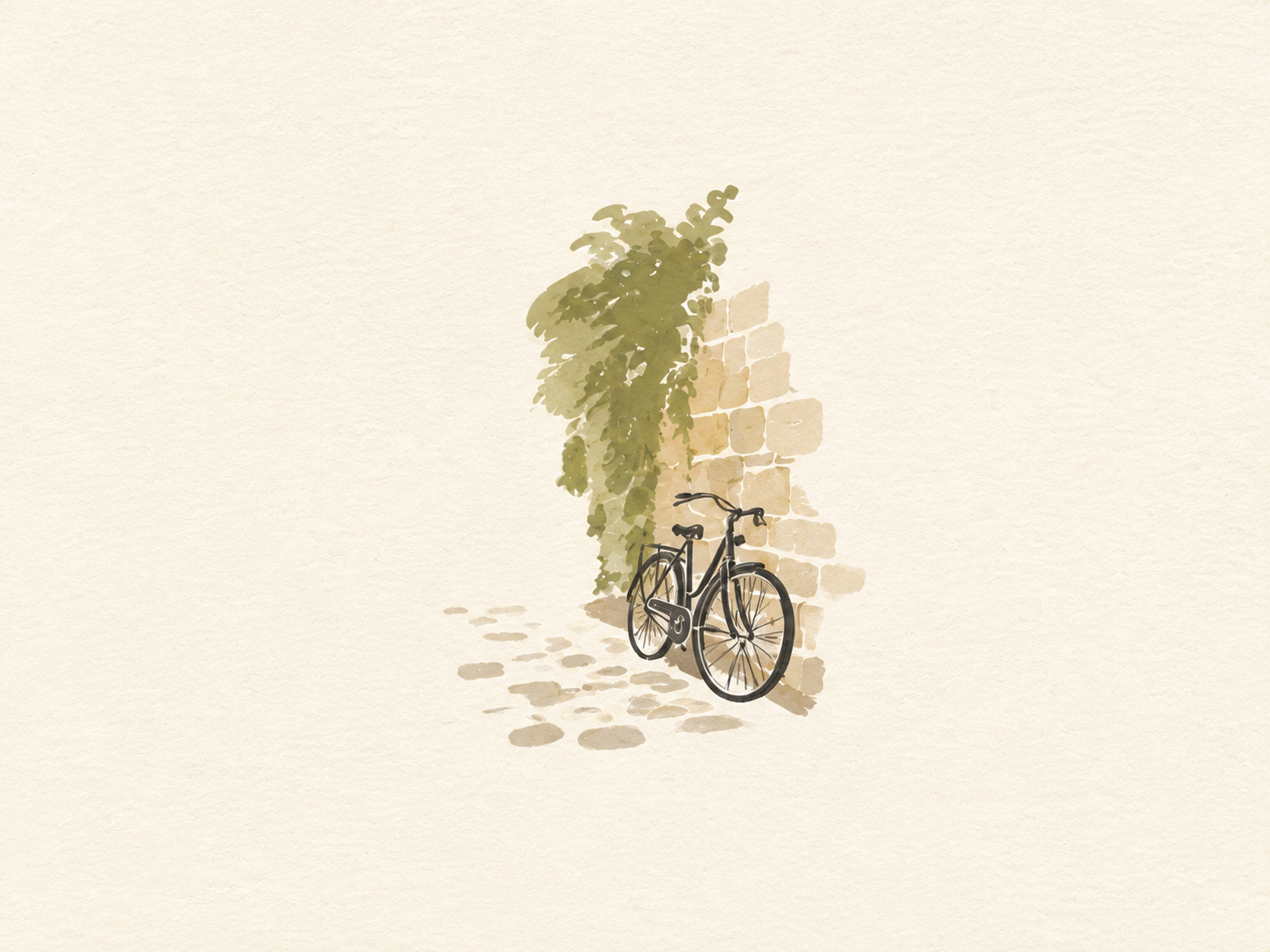
The illustrated subject should be small, centered, and carefully composed, occupying approximately 10–20% of the canvas.
Leave a large amount of negative space around the illustration.
Use rough white paper, warm off-white paper, pale natural paper, or minimal editorial book-cover stock as the full background.
Use only a few lines or small color shapes to suggest the surrounding environment.
COLOR PALETTE
Extract the dominant colors from the reference photo and compress them into no more than four main colors.
Keep the colors restrained, sophisticated, and harmonious.
Use bold but controlled flat color blocks.
Preserve subtle paper grain and handmade brush texture.
TYPOGRAPHY
A small amount of simple typography may be included when it naturally suits the image, such as a short title, keyword, location, year, number, or short phrase.
Keep any text minimal, understated, and editorial. Do not force text into the composition.
VISUAL LANGUAGE
Quiet · Poetic · Refined · Minimal · Innocent · Relaxed · Artistic · Thoughtful · High-recognition · Premium
The visual concept is 'a small subject surrounded by a large amount of empty space.'
The result should resemble a carefully designed keepsake postcard, independent art publication cover, or thoughtful picture-book illustration, not a commercial advertisement.
AVOID
Original photograph visible in the output; photo-and-illustration combination; split layout; collage; colored-pencil aesthetics; crayon textures; bleeding watercolor; pure line-art illustration; complex realistic illustration; heavy oil-painting effects; smooth polished digital illustration; 3D rendering; glossy 3D textures; commercial cartoon aesthetics; cute commercial character design; e-commerce advertising aesthetics; generic poster templates; excessive decorative elements; busy composition; excessive typography.
FINAL ART DIRECTION
Output only the standalone handmade illustration derived from the reference photograph. Prioritize recognition, restraint, negative space, material texture, subtle imperfection, editorial sophistication, and artistic storytelling.
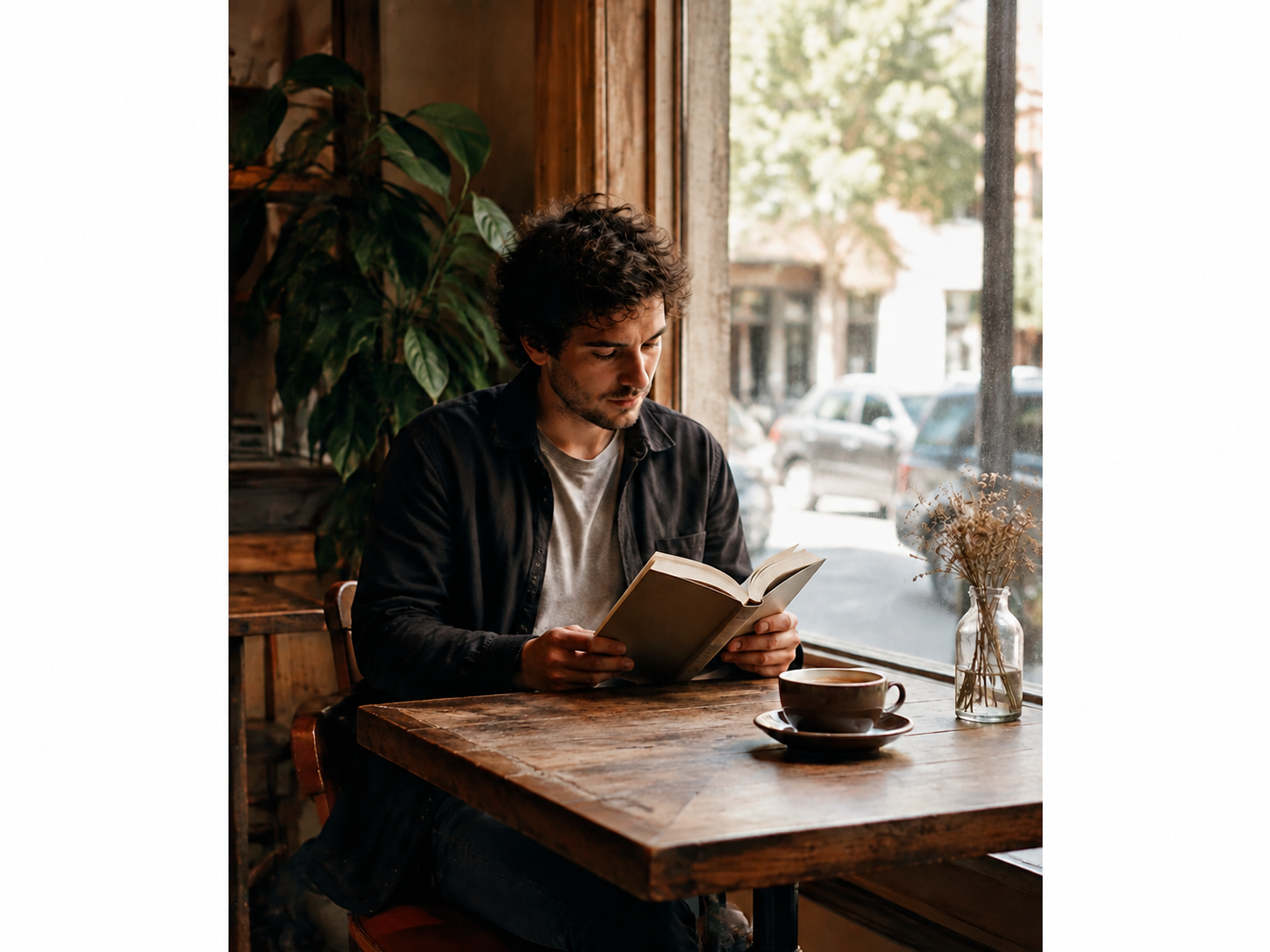
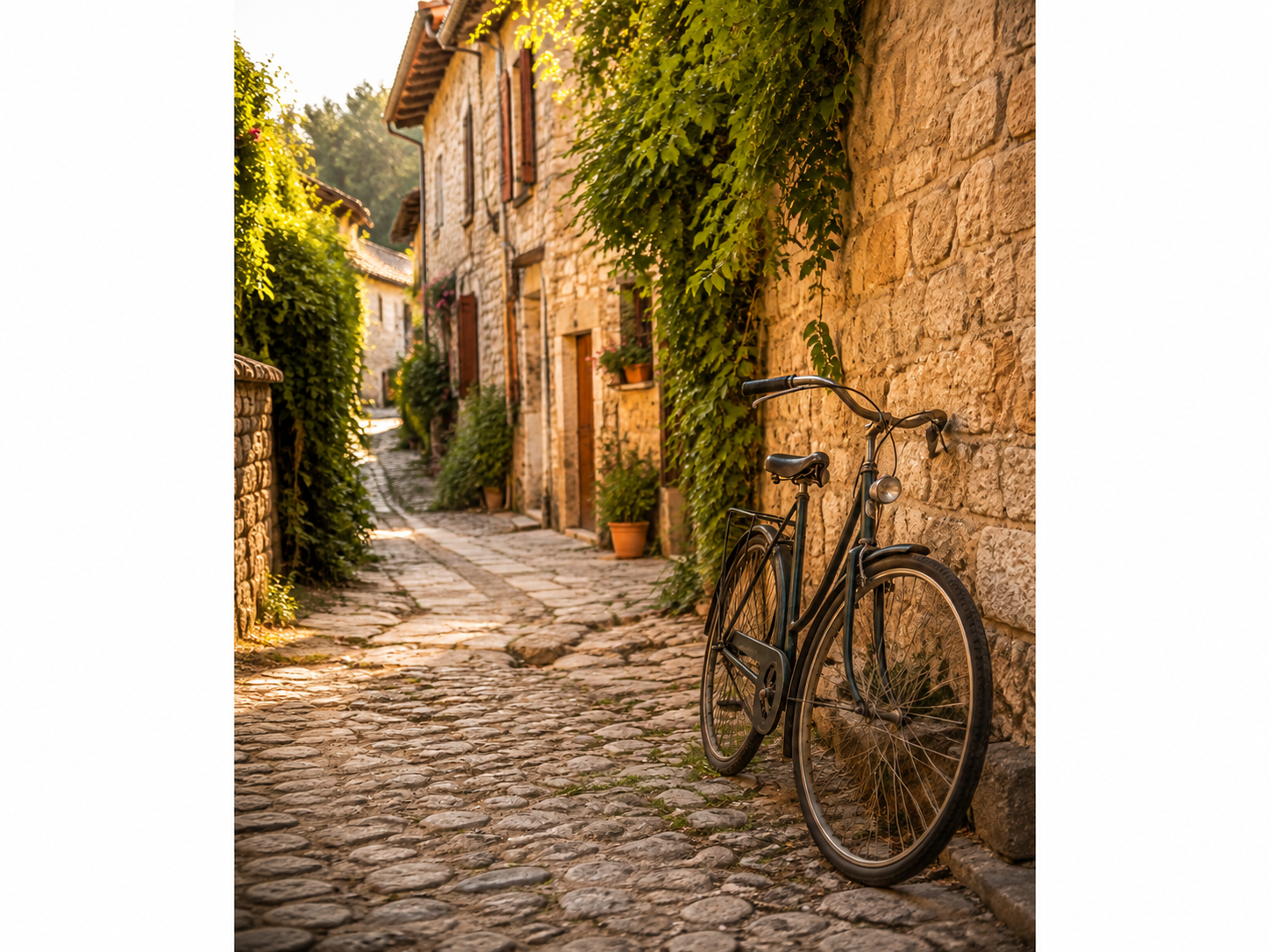
오늘의 프롬프트 첨부 이미지 1:
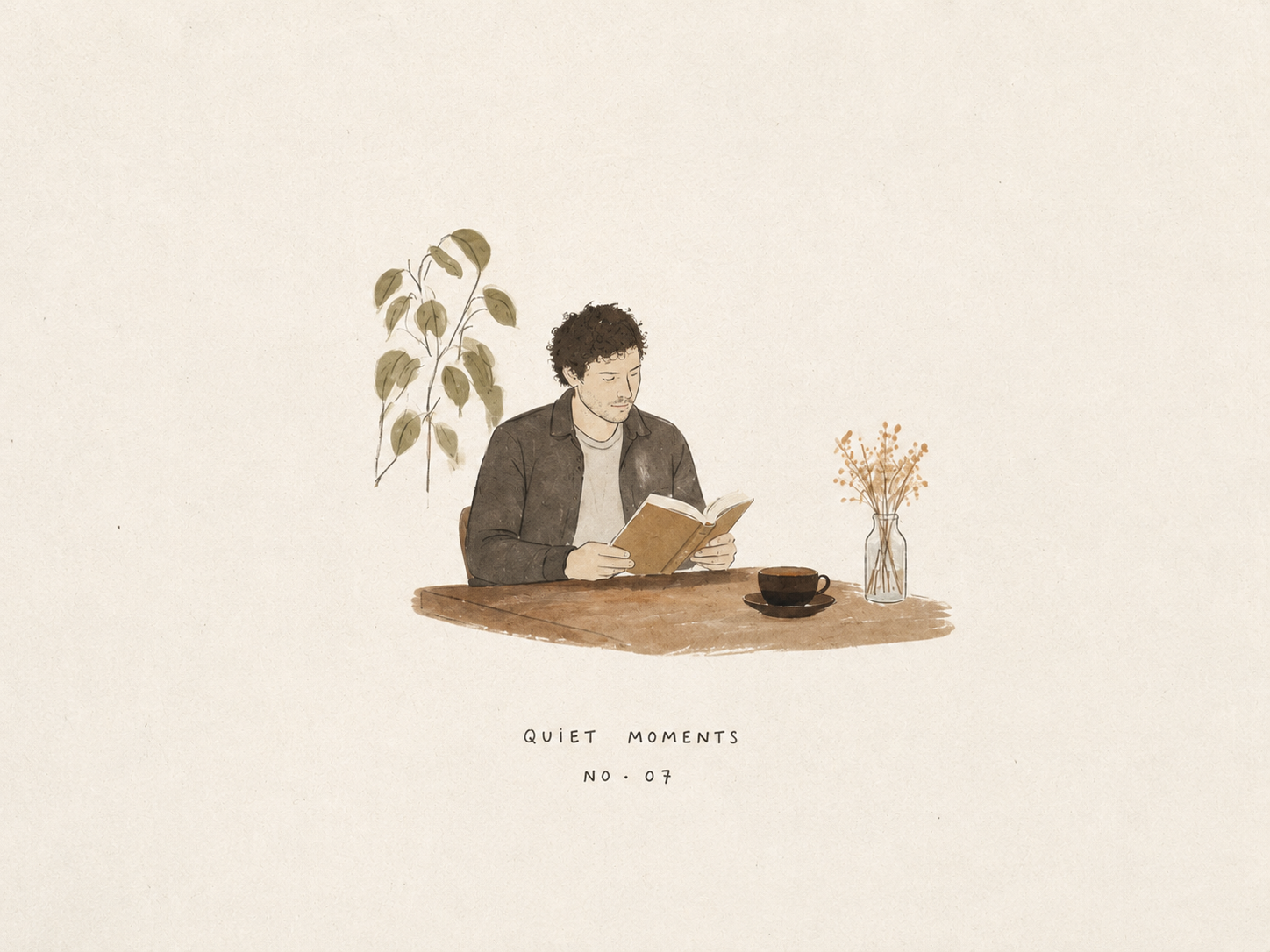
오늘의 프롬프트 입력 결과(1):
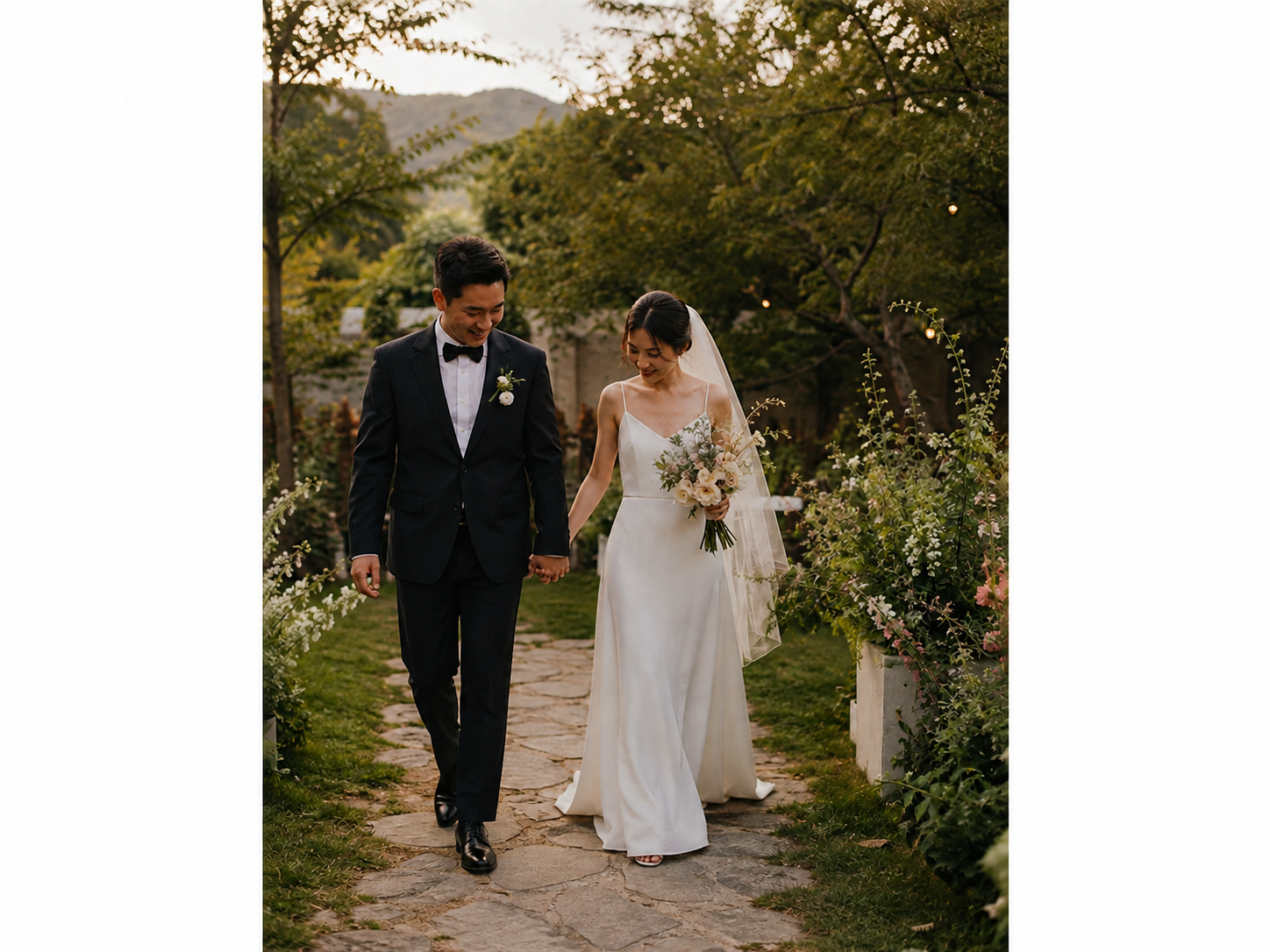
오늘의 프롬프트 첨부 이미지 2:
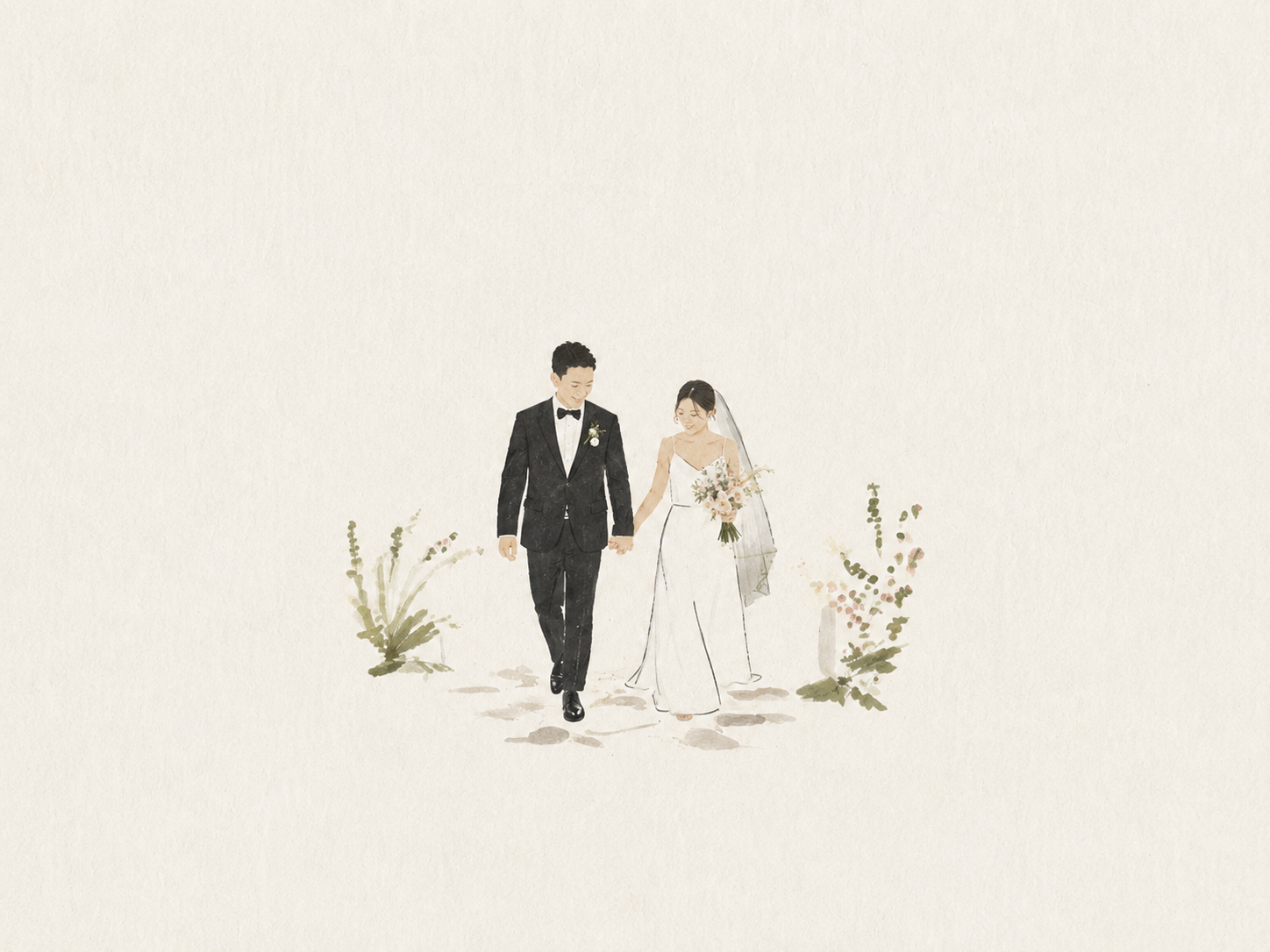
오늘의 프롬프트 입력 결과(2):
오늘의 프롬프트 첨부 이미지 3:
오늘의 프롬프트 입력 결과(3):
마무리
- 오늘 공유드린 프롬프트를 활용하면 여행 엽서와 청첩장, 각종 초대장 등 작은 인쇄물에 잘 어울립니다.
- 디지털 드로잉은 언제든 되돌리고 수정할 수 있지만, 물감으로 그린 그림은 한 번 번진 색이나 빗나간 붓질을 완전히 지우기 어렵습니다. 그러나 바로 그 고칠 수 없는 불완전함이 손으로 그린 흔적이자 가치가 됩니다. AI가 점점 더 '완벽한 그림'을 만들어낼수록, 인간의 실수와 불완전함은 오히려 더욱 귀해질지도 모릅니다.
- GPT Image 모델이 조만간 한 차례 더 업데이트될 수 있다는 이야기가 나오고 있습니다. X와 일부 커뮤니티에서는 새로운 모델로 추정되는 이미지 생성 결과도 공유되고 있는데요, 공식 업데이트가 공개되는 대로 직접 사용해 보고 뉴스레터를 통해 소개해 드리겠습니다 :)
오늘의 Midjourney Prompt & Music
아래 Midjourney 이미지를 음악과 함께 감상해보세요:)
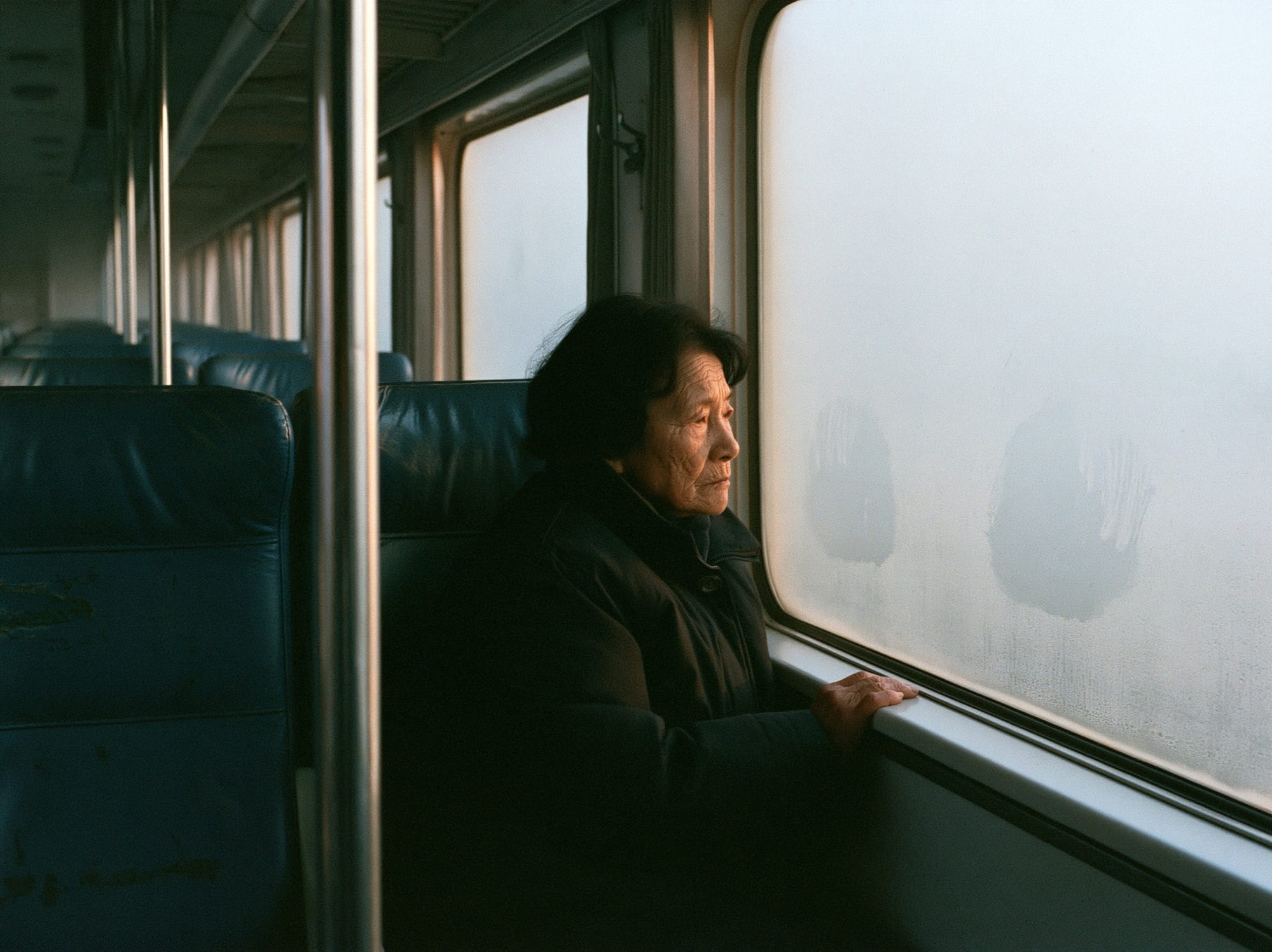
프롬프트 (by @jae_hong__an) :